Free Express Shipping


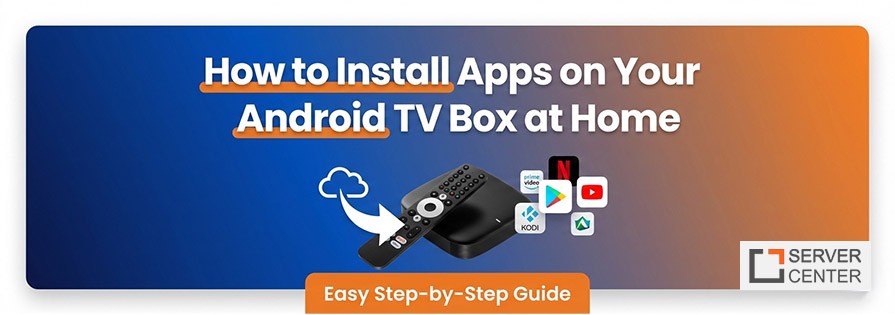
Smart entertainment has evolved rapidly, and today an Android TV Box can transform any regular television into a powerful streaming hub. Whether you want live TV, on-demand movies, or advanced media tools, learning how to install apps properly is the first step toward a smoother home entertainment experience.
Many users buy streaming devices but feel unsure about setting them up. The good news is that installing apps is simpler than most people think. With the right approach, you can customize your system, discover the Best apps for Android TV Box, and even explore advanced platforms like Kodi without complicated technical skills.
This guide walks you through everything — from basic installation steps to trending app ideas — so you can enjoy a fully personalized TV setup at home.
Why App Installation Matters on an Android TV Box
Unlike traditional cable boxes, an Android TV Box gives you control over what you watch and how you watch it. Apps are the heart of the experience, allowing access to streaming platforms, media players, gaming services, and productivity tools.
Here’s why installing apps correctly matters:
Unlocks more entertainment options
Improves performance and usability
Allows customization of your viewing experience
Keeps your system updated with new features
A properly configured device can feel like a completely new smart TV, especially when combined with optimized streaming apps.
Step-by-Step: How to Install Apps on Your Device
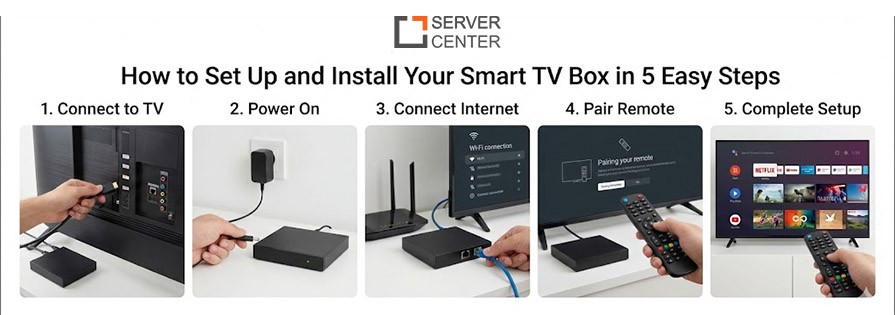
1. Connect and Set Up the Device
Before installing anything, ensure your device is connected to:
A stable Wi-Fi or Ethernet connection
A Google account for app downloads
Updated system software
Once you power on the device and sign in, you’ll see the main interface where apps can be installed.
2. Install Apps from the Google Play Store
The easiest way to get started is through the Play Store.
Steps:
- Open the Play Store from the home screen
- Use voice search or type the app name
- Select Install
- Wait for the download to complete
This method is the safest because apps are verified and optimized for TV screens.
Some popular choices often included in lists of the Best apps for Android TV Box include media streaming platforms, music services, and file managers.
3. Sideload Apps for Advanced Features
Not all apps appear in the Play Store. Some advanced users install APK files manually.
To sideload:
Enable “Unknown Sources” in settings
Download the APK using a browser
Install using a file manager
Sideloading is useful for specialized streaming tools or custom launchers. However, always download apps from trusted sources to maintain security.
4. How to Install Kodi on Android TV Box
Many users want to expand their media options by learning how to Install Kodi on Android TV Box. Kodi is a flexible media center that supports local libraries, streaming add-ons, and advanced playback controls.
Simple installation process:
- Open Google Play Store
- Search for Kodi
- Tap Install
- Launch and configure media sources
Kodi is especially popular because it allows users to organize movies, TV shows, and personal content in one place. When setting it up, choose add-ons carefully and keep the software updated for better performance.
Exploring the Best apps for Android TV Box
Choosing the right apps can significantly enhance your entertainment setup. Instead of installing everything, focus on categories that match your viewing habits.
Streaming Apps
These provide access to movies, series, and live content. Many are optimized for remote control navigation and large screens.
Media Players
Advanced media players improve playback quality, subtitle support, and file compatibility.
Utility Apps
Utilities like file explorers, screen mirroring tools, and system cleaners help maintain device performance.
When building your app library, aim for quality over quantity. Too many apps running in the background may slow down your system.
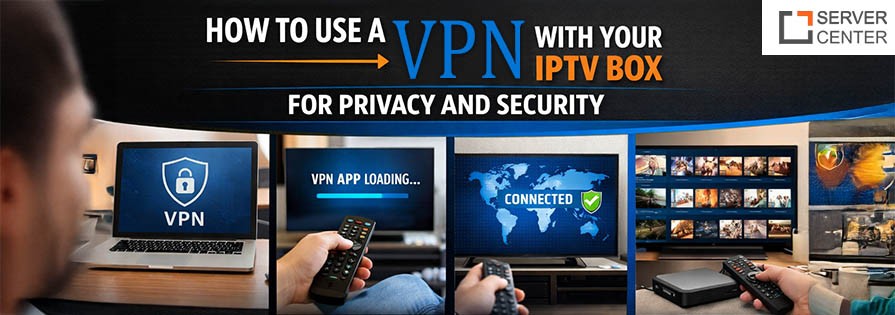
Read also: How to Use a VPN with Your IPTV Box for Privacy and Security
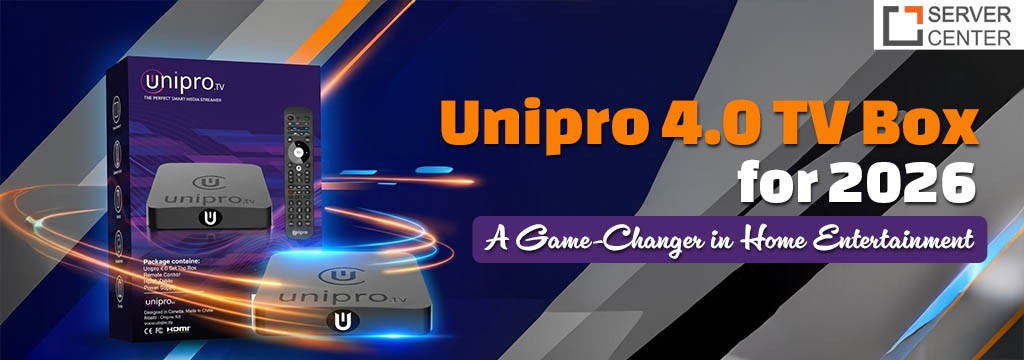
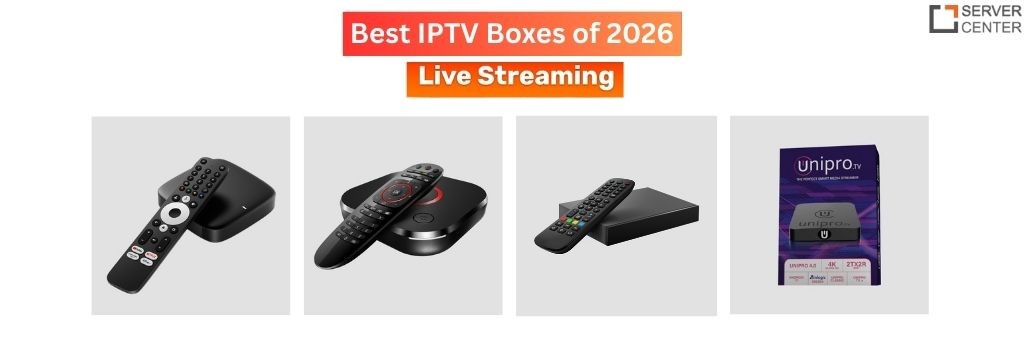
Customizing the Experience on a Unipro tv box
A Unipro tv box offers flexibility similar to other streaming devices but may include unique firmware features or interface layouts. Customization tips include:
Rearranging the home screen for faster navigation
Installing alternative launchers
Adjusting display resolution for smoother playback
Managing background processes
Personalization helps make your device feel more intuitive, especially if multiple people in your household use it.
Understanding the Role of IPTV Boxes in Modern Streaming
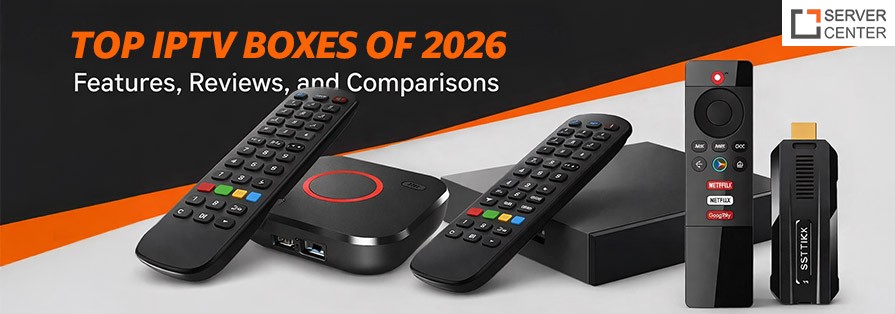
Many viewers explore IPTV Boxes to access internet-based television instead of traditional cable services. These devices allow live channels, catch-up content, and on-demand libraries through supported apps.
Key advantages include:
Flexible channel selection
Multi-device compatibility
High-quality streaming options
However, always ensure the apps you install comply with local regulations and follow safe streaming practices.
Trending Topics in Android TV Entertainment
Technology evolves quickly, and keeping up with trends can help you get the most out of your setup.
Voice Control Integration
Voice assistants now allow users to search apps, control playback, and launch content hands-free.
Cloud Gaming
Some streaming devices support gaming platforms that run directly from the cloud, eliminating the need for a console.
AI-Powered Recommendations
Newer apps analyze viewing habits to suggest movies or shows tailored to your interests.
Minimalist Launchers
Clean, simple interfaces are becoming popular because they reduce clutter and make navigation easier for families.
Tips for Safe and Smooth App Installation
To keep your system running efficiently:
Install apps only from trusted sources
Avoid downloading duplicate tools with similar functions
Update apps regularly
Remove unused software to free storage space
Maintaining good app hygiene prevents performance issues and improves overall streaming quality.
Troubleshooting Common Installation Problems
Even with simple steps, you might encounter occasional issues.
App Not Installing:
Check internet connection
Clear Play Store cache
Restart the device
App Not Showing on Home Screen
Check internet connection
Clear Play Store cache
Restart the device
App Not Showing on Home Screen
Some sideloaded apps may require a special launcher to appear in the app list.
Playback Lag: Lower video resolution or close background apps to improve performance.
Understanding these quick fixes helps reduce frustration and keeps your device running smoothly.
Optimizing Storage and Performance
As you install more apps, storage management becomes important. Here are practical ways to keep your device fast:
- Use cloud storage instead of downloading large files
- Move media to external drives when possible
- Disable auto-start for unnecessary apps
- Regularly clear temporary files
A well-maintained device delivers faster loading times and fewer crashes.
Building a Balanced App Library
Instead of installing every trending tool, create a balanced app selection:
- One primary streaming platform
- One media player
- One file manager
- Optional customization tools
This approach keeps navigation simple while ensuring you have everything needed for entertainment.
Future of Home Streaming Devices
The future of the Android TV Box ecosystem looks promising. With faster processors, better graphics, and smarter interfaces, these devices are becoming central to modern living rooms.
Upcoming trends include:
- Enhanced 4K and HDR streaming support
- Smarter parental controls
- Improved cross-device syncing
- Faster app installation processes
Staying updated with new developments ensures you continue enjoying the best entertainment experience.
Conclusion:
Learning how to install apps properly is the foundation of a great streaming setup. From basic Play Store downloads to advanced tools like Install Kodi on Android TV Box, each step helps you customize your entertainment exactly the way you want.
Whether you’re exploring the Best apps for Android TV Box, setting up a Unipro tv box, or experimenting with modern IPTV Boxes, the key is to install thoughtfully and keep your system organized. With the right apps and regular maintenance, your device can deliver a smooth, powerful, and enjoyable viewing experience right from your living room.